
Learn
What is a device driver? A plain-language explainer
How a driver lets your operating system use hardware it was never built for, what drivers are not, and why one request can pass through several of them.
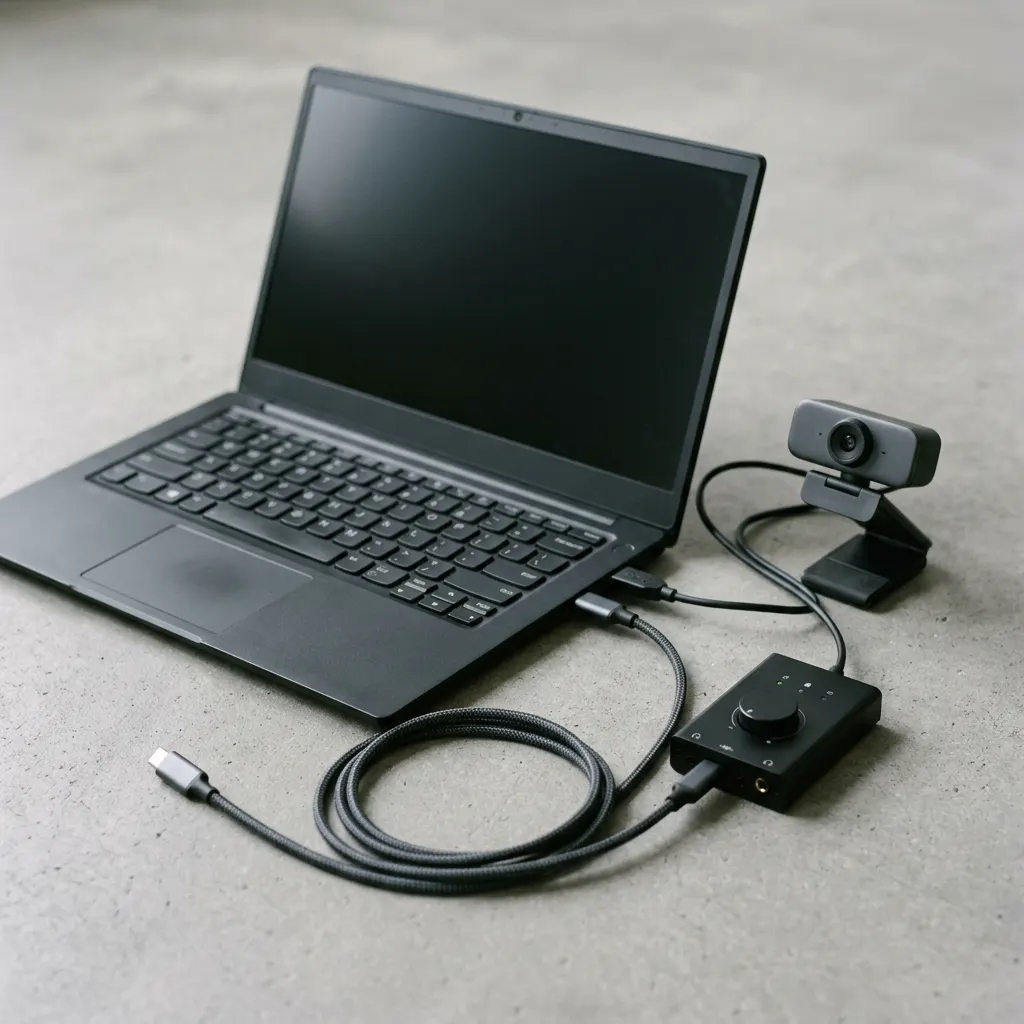
Animated explainer
Step 1 of 8 · Request
An app asks
A photo editor wants to save a file. It asks the operating system through a standard function instead of talking to the drive itself.
Read all 8 steps as text
- An app asks (request) To save your photo, the editor sends a standard file request to the operating system; it does not control the storage hardware directly.
- The OS checks and routes it (request) The OS confirms the app is allowed to do this and passes the request on. On Windows, the I/O manager usually packages it as an I/O request packet (IRP).
- Drivers translate it (request) The request can pass through more than one driver. Each does part of the job, and the driver closest to the device turns it into commands that specific hardware understands.
- The hardware does the work (request) The storage controller writes the data. Hardware takes a moment, so the computer carries on with other work while it waits.
- The device reports back (response) When it finishes, the device signals that the job is done, or that something went wrong. Many devices do this by raising an interrupt.
- Drivers interpret the result (response) The driver reads the device's status and turns it into a general result the OS understands: success, or a meaningful error.
- The OS completes the request (response) The OS marks the request complete and hands the result back to the app that asked for it.
- The app carries on (response) The app shows that the file was saved, or shows an error. The whole round trip often takes a few milliseconds.
What this section covers
Every time you print a page, hear a notification or press a key, software you never see does the translating. That software is a device driver. This explainer covers what a driver does, follows one request from an app down to the hardware and back, clears up what drivers are not, and explains why a single request often passes through several drivers. The ideas apply broadly to Windows and macOS. Windows-specific terms are labelled as such, and Mac differences have their own note near the end.
A translator with one specialty
An operating system has to work with a huge range of devices it has never met. It cannot carry the exact commands for every printer, graphics chip or Wi-Fi adapter ever made. Instead it defines general ways of asking for things, such as “send this data” or “read this block,” and leaves the device-specific details to a driver.
Microsoft’s documentation describes a driver as a software component that lets the operating system and a device communicate with each other. A useful mental model is a specialist translator. Apps speak the operating system’s general language. The driver knows that language and also the particular dialect of one family of hardware.
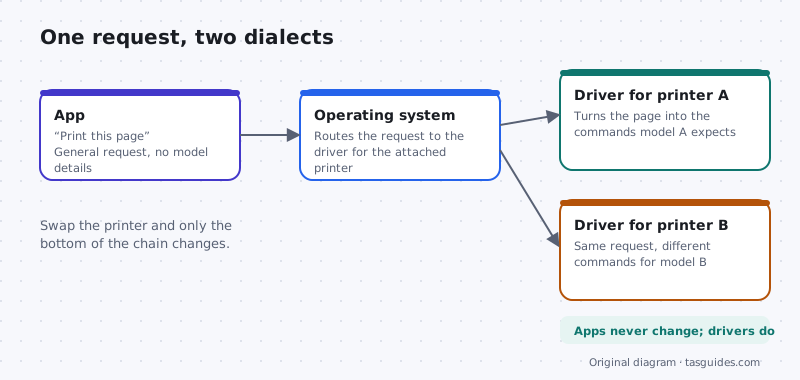
That arrangement is why you can plug in a new printer or swap a mouse without reinstalling your apps. The app keeps asking the same question. A different driver answers it.
Following one request, step by step
The animated explainer above follows a single request, and you can step through it at your own pace. In words, a typical round trip looks like this:
- An app asks. A program asks the operating system to do something through a standard function, rather than talking to the hardware itself.
- The operating system checks and routes it. It confirms the request is allowed and passes it on. On Windows, the I/O manager usually packages the request as an I/O request packet (IRP).
- One or more drivers handle it. Each does part of the job. The driver closest to the device turns the request into commands that specific hardware understands.
- The hardware works, then reports back. When it finishes, the device signals success or an error, and the answer travels back up the same chain to the app.
Not every driver talks to hardware directly. Microsoft notes that some drivers sit in the middle of the chain, passing requests along and adding or adjusting behavior. Some are not tied to any device at all and exist only to give a program safe access to parts of the operating system. “Driver” describes a role inside the system, not a particular kind of gadget.
What a driver is not
Three things get confused with drivers all the time.
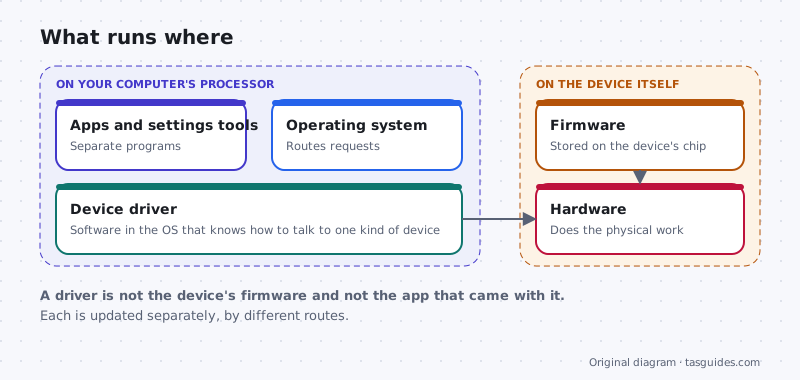
- Firmware. Firmware is software stored on the device itself, or on the motherboard, and it runs on that hardware’s own chip. A driver runs on your computer’s processor as part of the operating system. They work together, but they are updated by different routes.
- The app that came with the device. Control panels, tuning tools and settings apps are separate programs. They may talk to the driver, but removing one does not necessarily remove the other.
- Loose files to tidy up. On Windows, a driver is installed from a package that includes files such as an INF file and usually one or more SYS files. Never delete those by hand. If a driver needs to go, use Device Manager, as described in our Device Manager guide.
Why there are often several drivers
It is tempting to imagine one driver per device, but many requests pass through a chain. Reading a file from a USB stick, for example, can involve a file system driver, a storage driver that speaks the language of disks, and USB drivers that move the data over the bus. Windows calls the main driver for a device its function driver, the driver for the connection it sits on its bus driver, and optional middle layers filter drivers. Our explainer on how driver stacks work walks through those roles with a diagram.
Where drivers run, and why it matters
Many drivers run in kernel mode, alongside the core of the operating system, with broad access to memory and hardware. Others run in user mode, in a separate process, walled off like an ordinary app. Neither kind is automatically safe or unsafe. A serious bug in a kernel-mode driver can stop the whole computer. A failing user-mode driver usually leaves the operating system running, but the device it controls can still stop working until the driver restarts. The trade-offs are covered in kernel mode vs user mode drivers.
macOS note
The same idea applies on a Mac, with different packaging. Apple builds the drivers for its own hardware into macOS and delivers updates through Software Update. For other hardware, Apple’s documentation describes a move away from older kernel extensions toward system extensions, including driver extensions built with DriverKit, which run in user space rather than in the kernel. If a device needs an extension, macOS asks you to approve it in System Settings under Privacy & Security. Approve only extensions from a maker you recognise.
Where to go next
If you want to see the drivers on your own Windows computer, start with the Device Manager guide. To learn how drivers arrive and update, read how Windows Update handles drivers. Then continue with the two explainers above to see where drivers run and how they stack.
A familiar example
Why a printer needs a translator
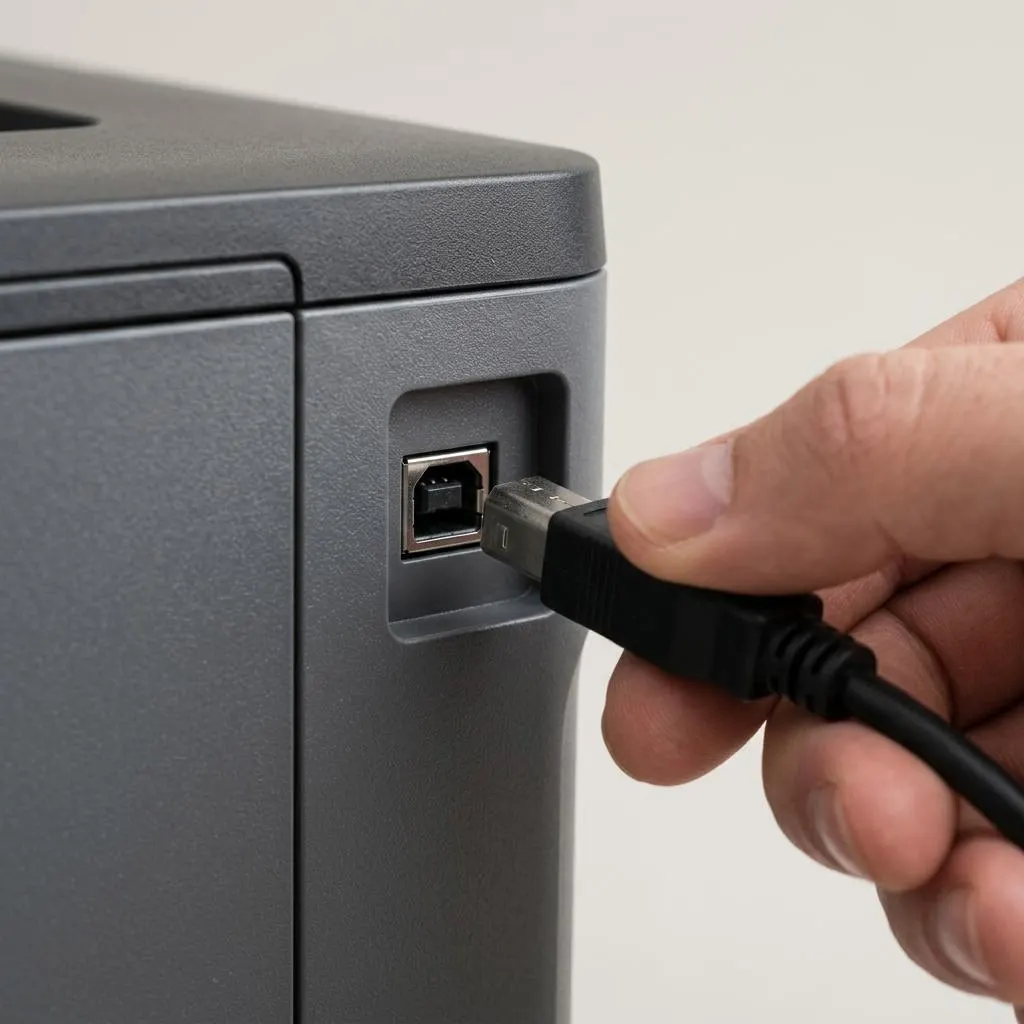
When you print, the app describes a page: text, images, margins. The printer understands something different: commands in a printer language for its exact mechanism. The driver, or a standard printing system, translates one into the other.
That is why printing used to require a disc with every printer. Today many printers understand standard languages, so Windows and macOS can print to them with built-in drivers, often called driverless printing. The idea of a driver has not gone away; it has become standardized.
- The cable or network only moves bytes.
- The driver decides what those bytes say.
- The printer turns them into ink on paper.
Worked example
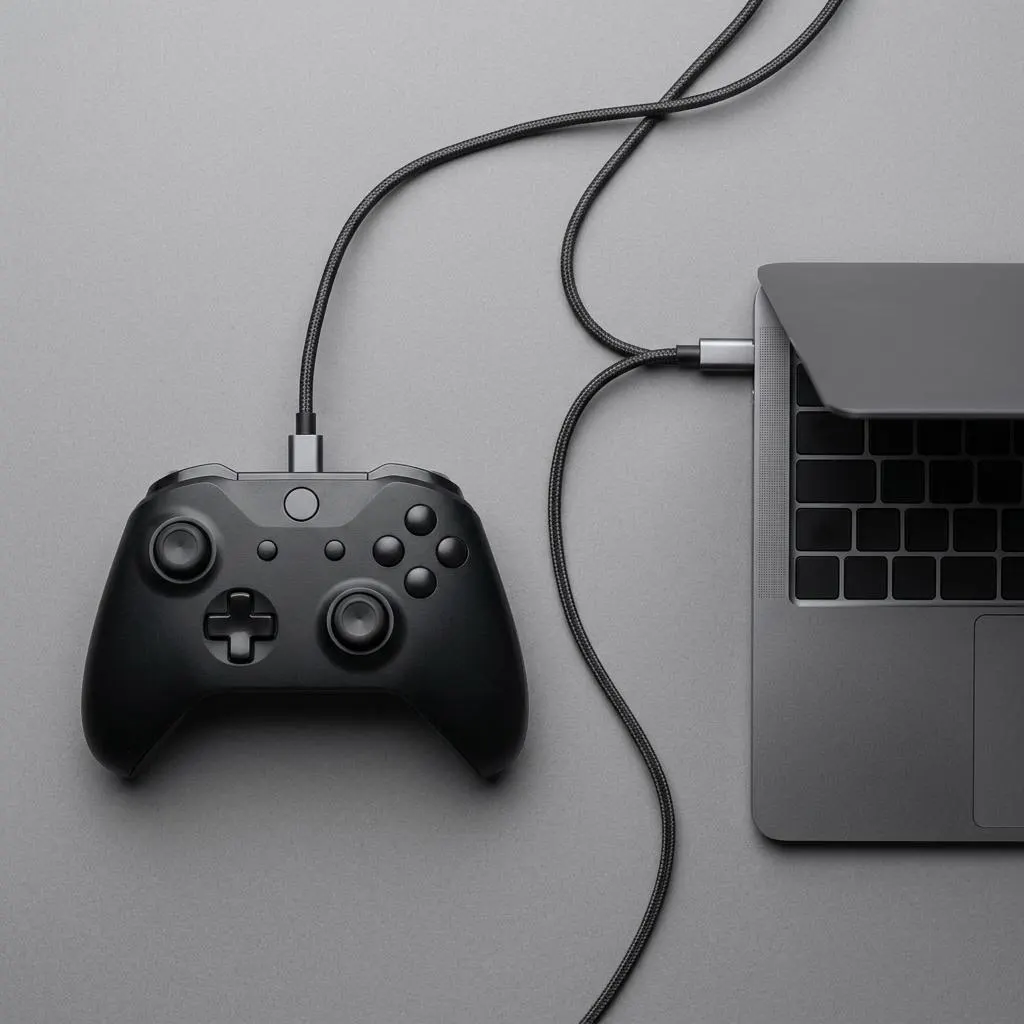
Example: what happens when you plug in a game controller
Scenario: you connect a wired game controller to a Windows 11 laptop. In outline, this is what happens:
- The USB host controller notices a new device and asks it to describe itself.
- The controller reports identifiers and the class of device it belongs to.
- Windows looks for a matching driver: a standard class driver included with Windows, or a specific one installed earlier.
- Once loaded, the driver reports button presses and stick movements in a standard form that games can read.
If the controller is not recognized, the problem can be at any of those stages: the cable, the port, the device's description, or the driver. That is why troubleshooting starts with the physical layer.
Standard drivers
Class drivers: one driver for many devices
Many device types follow published standards. USB keyboards, mice, game controllers, storage devices and basic audio devices can describe themselves as belonging to a standard class, and a single class driver included with the operating system can handle any device in that class.
That is why most such devices work as soon as they are plugged in. A maker might still offer software for extra features, such as remapping buttons, but the basic function does not depend on it.
When a device needs its own driver, it is usually because it does something the class does not cover, or does it differently. Graphics cards, Wi-Fi adapters and some audio interfaces are common examples.
FAQ
Questions people actually ask
Do I need to install a driver for every device I plug in?
Usually not. Windows and macOS include many drivers, and devices that follow a published standard, such as most USB keyboards, mice and storage drives, work with a class driver written by the operating system's maker. You only need something extra when a device uses features the standard does not cover.
Is a driver the same thing as firmware?
No. Firmware is stored on the device or motherboard and runs on that hardware's own chip. A driver runs on your computer's processor as part of the operating system. They cooperate, but they are separate pieces of software and are updated in different ways.
Why does Device Manager list several files for one device?
Because one request can pass through more than one driver. A device may have a main function driver, a bus driver underneath it and optional filter drivers that add features. Each is a separate file, and that is normal. Do not delete any of them by hand.
Can a bad driver crash my whole computer?
It can. A serious fault in a driver that runs in kernel mode can stop the whole system, which on Windows appears as a stop error. A failing user-mode driver usually affects only its own process, but the device can still stop working until the driver restarts. Not every crash is a driver problem, either.