
Learn
How drivers work, from the inside out
No downloads and no jargon walls. Three illustrated explainers follow a request from the app you click to the chip that does the work, then show where drivers run and how they stack.
The reading path
Three explainers, in order
3 explainers live. Each stands on its own, but they build on each other. About 20 minutes for all three.
 The idea“What is this thing, actually?”What is a device driver? A plain-language explainerHow a driver lets your operating system use hardware it was never built for, what drivers are not, and why one request can pass through several of them.Read explainer →
 Where they run“Why can one driver stop everything?”Kernel mode vs user mode drivers, explainedWhy some drivers share the operating system's core and others run walled off, how requests cross between them, and why both kinds carry risks.Read explainer →
 How they layer“Why are there five files for one mouse?”How driver stacks work: from your app to the hardwareWhy one request often passes through several drivers, how bus, function and filter drivers divide the work, and what Windows means by a device stack.Read explainer →
Try it
Watch one request make the trip
Press Play, or step through at your own pace. Amber is the request going down; teal is the answer coming back.
- Request: app to hardware
- Response: hardware to app
Simplified on purpose. Real requests can pass through several drivers, explained in how driver stacks work.
Animated explainer
Step 1 of 8 · Request
An app asks
A photo editor wants to save a file. It asks the operating system through a standard function instead of talking to the drive itself.
Read all 8 steps as text
- An app asks (request) To save your photo, the editor sends a standard file request to the operating system; it does not control the storage hardware directly.
- The OS checks and routes it (request) The OS confirms the app is allowed to do this and passes the request on. On Windows, the I/O manager usually packages it as an I/O request packet (IRP).
- Drivers translate it (request) The request can pass through more than one driver. Each does part of the job, and the driver closest to the device turns it into commands that specific hardware understands.
- The hardware does the work (request) The storage controller writes the data. Hardware takes a moment, so the computer carries on with other work while it waits.
- The device reports back (response) When it finishes, the device signals that the job is done, or that something went wrong. Many devices do this by raising an interrupt.
- Drivers interpret the result (response) The driver reads the device's status and turns it into a general result the OS understands: success, or a meaningful error.
- The OS completes the request (response) The OS marks the request complete and hands the result back to the app that asked for it.
- The app carries on (response) The app shows that the file was saved, or shows an error. The whole round trip often takes a few milliseconds.
See it physically
Concepts you can point at
Drivers are software, but they exist because of specific chips. These two views connect the concepts to hardware.
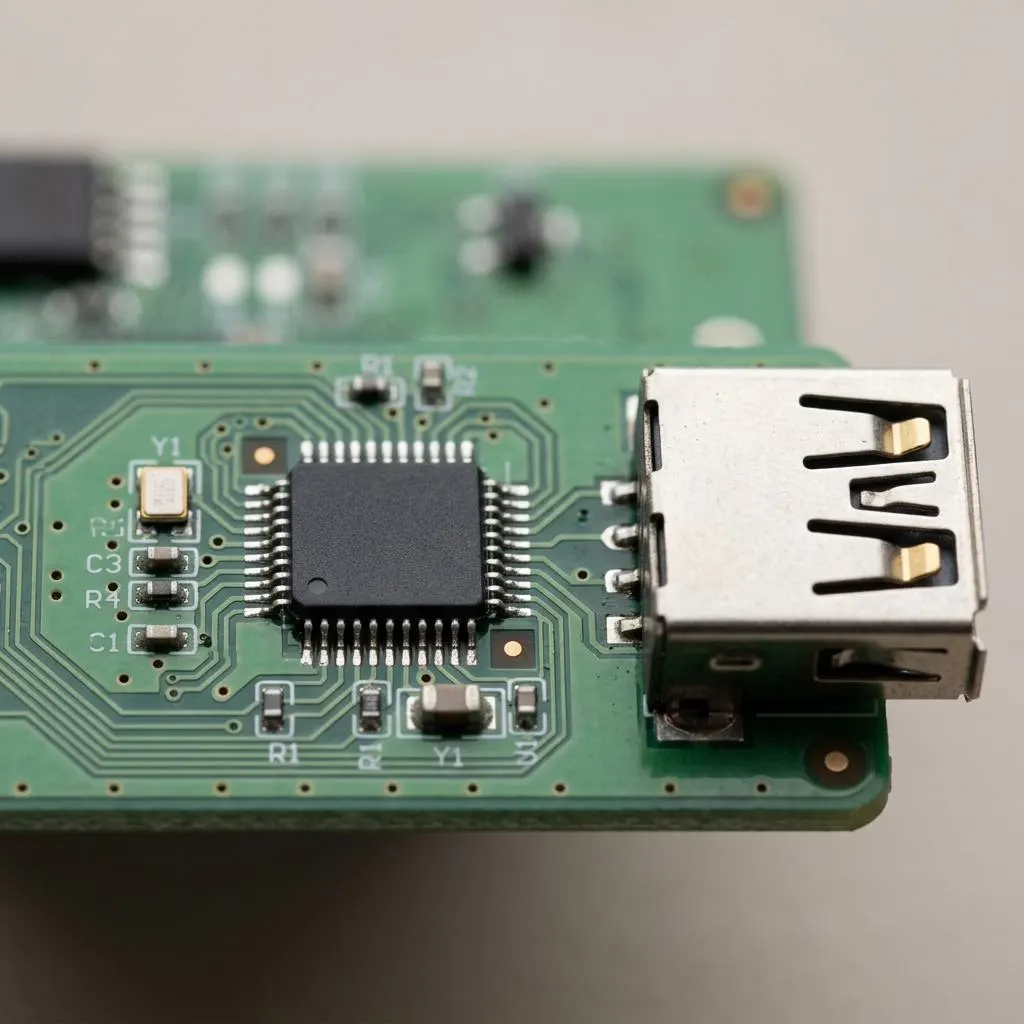
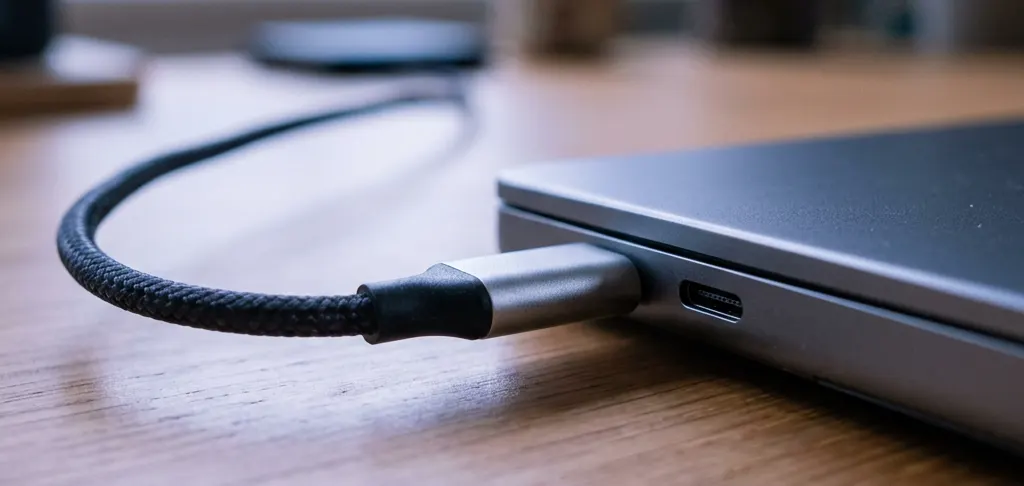
The chip behind the port
Every port has a controller
A port is just a connector. Behind it sits a controller chip that speaks a protocol such as USB. The operating system talks to that controller through a driver, and the controller talks to whatever you plug in. That is the start of a driver stack.
- New to all this: start with what a device driver is.
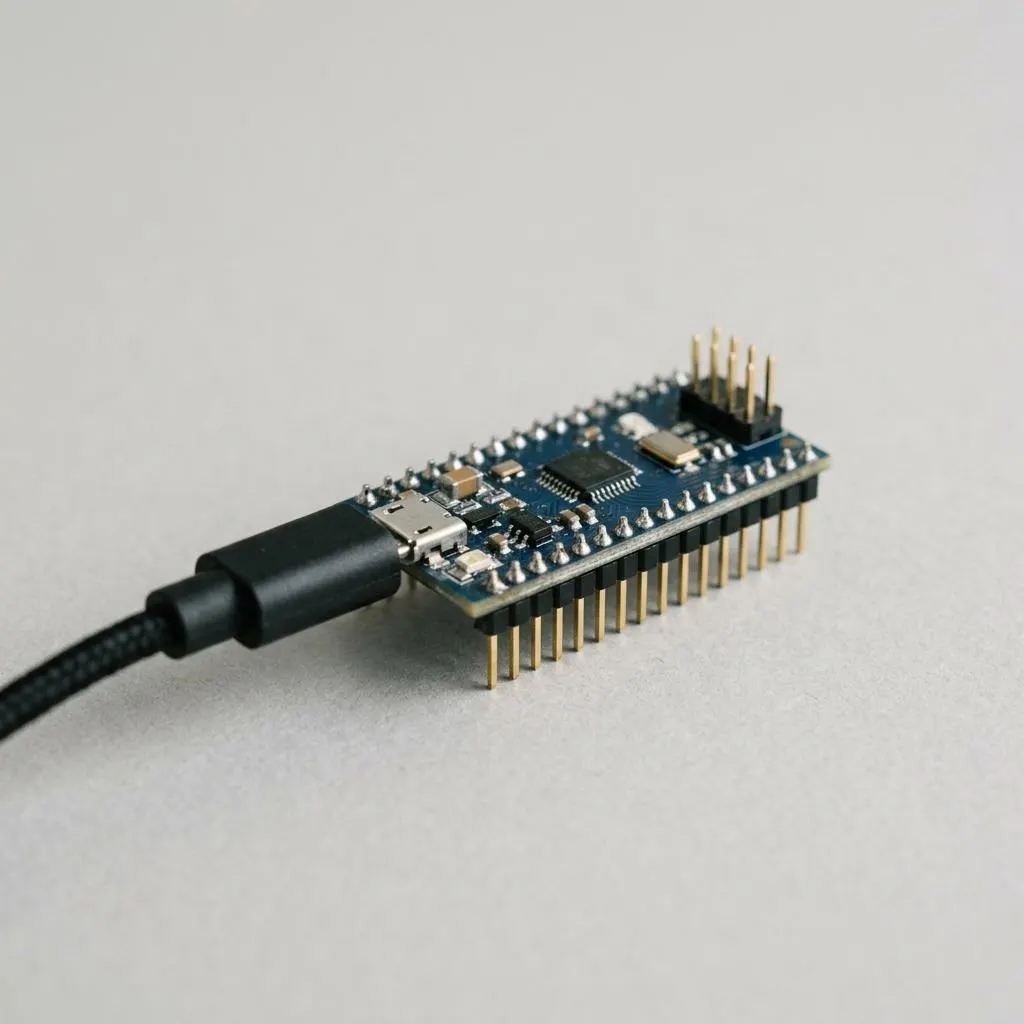
Code on the device
Firmware, drivers and the difference
Many devices run their own code, called firmware, stored on the device. A driver runs on your computer and talks to that firmware. They are updated separately and by different means.
Where the driver itself runs, with full system privileges or walled off, is covered in kernel mode vs user mode.
Put it to use